Why crypto for independent contacts?
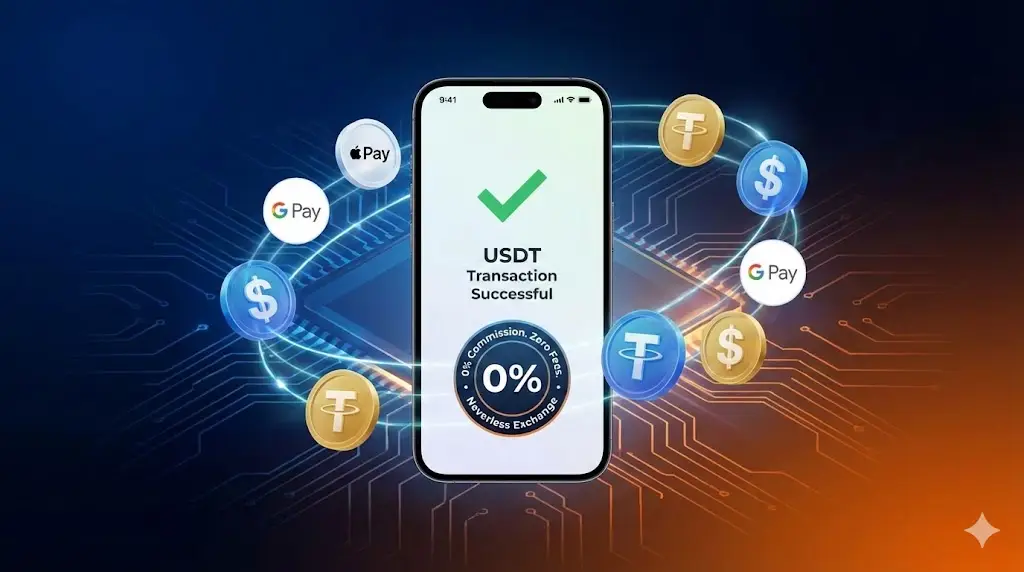
On this site, many independent escort profiles unlock Telegram (or other) contact details after a small digital purchase. USDT is the standard settlement coin because it is stable, widely supported, and easy to send on Ethereum (ERC-20).
Agency sessions are different: most agency bookings still settle in cash RMB after you message the agent. Crypto is mainly for unlocking independent contact info on the platform—not for walking into a hotel room with a wallet address.
If you want the bigger money picture first, read the safe payment guide and the price guide.
What you need before you start
| Item | Notes |
|---|---|
| Neverless app | Regulated EU exchange (Spain); 0% fee on buying crypto in many cases |
| Apple/Google account outside mainland China | Needed to download the app from store regions that list it |
| ID for KYC | Passport or national ID; review is usually minutes |
| ~USD for the unlock + extra $0.20–1 | Covers network fee and rate drift |
| 10–20 minutes | First-time setup; later unlocks are faster |
This walkthrough uses Neverless because it is beginner-friendly and keeps conversion costs low. Other exchanges can work if you already hold USDT-ERC20—just skip to the OxaPay send step.
Step 1: Create and verify Neverless
- Download Neverless with a non-mainland China Apple ID or Google Play region.
- Register with email, Google, or Apple.
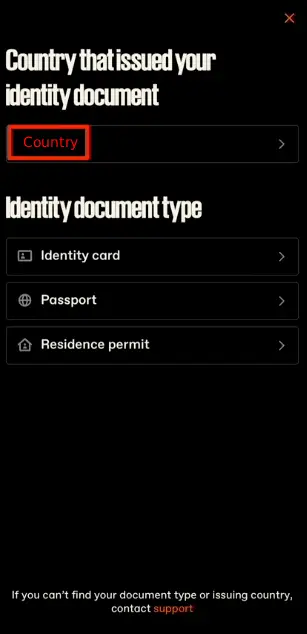
- Complete KYC: choose residence country, upload ID, wait for approval (often a few minutes).
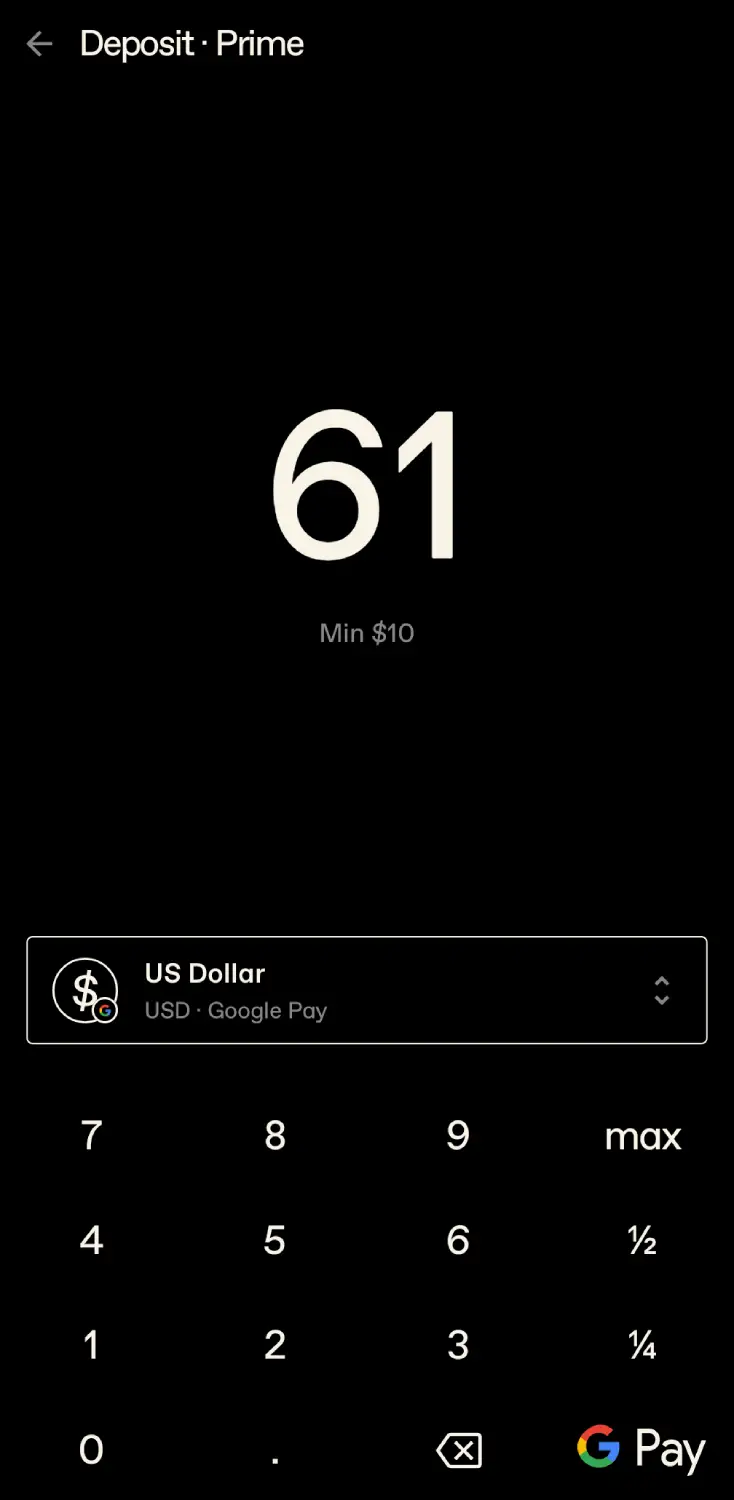
Step 2: Deposit USD
- On the home screen, tap Deposit.
- Prefer Apple Pay or Google Pay when available (often free for the first $1,000 of purchases—confirm in-app).
- Funds usually appear almost immediately after the payment succeeds.
Step 3: Buy USDT with low (often 0%) fees
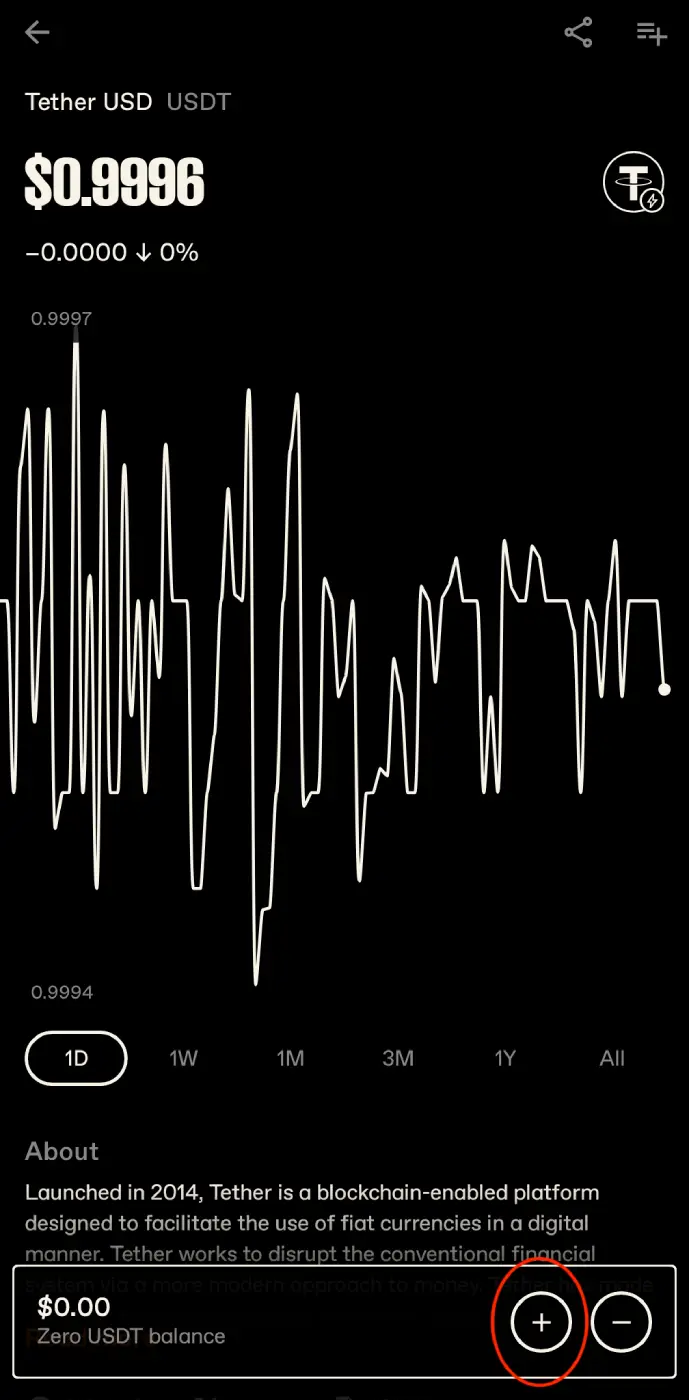
- Open Trade and search USDT.
- Buy the amount shown on our checkout, then add a small buffer (about $0.20+) for gas and FX movement.
- Confirm you will send on Ethereum (ERC-20) later—not TRC-20 or other chains unless the checkout explicitly says so.
Step 4: Pay on our site with OxaPay
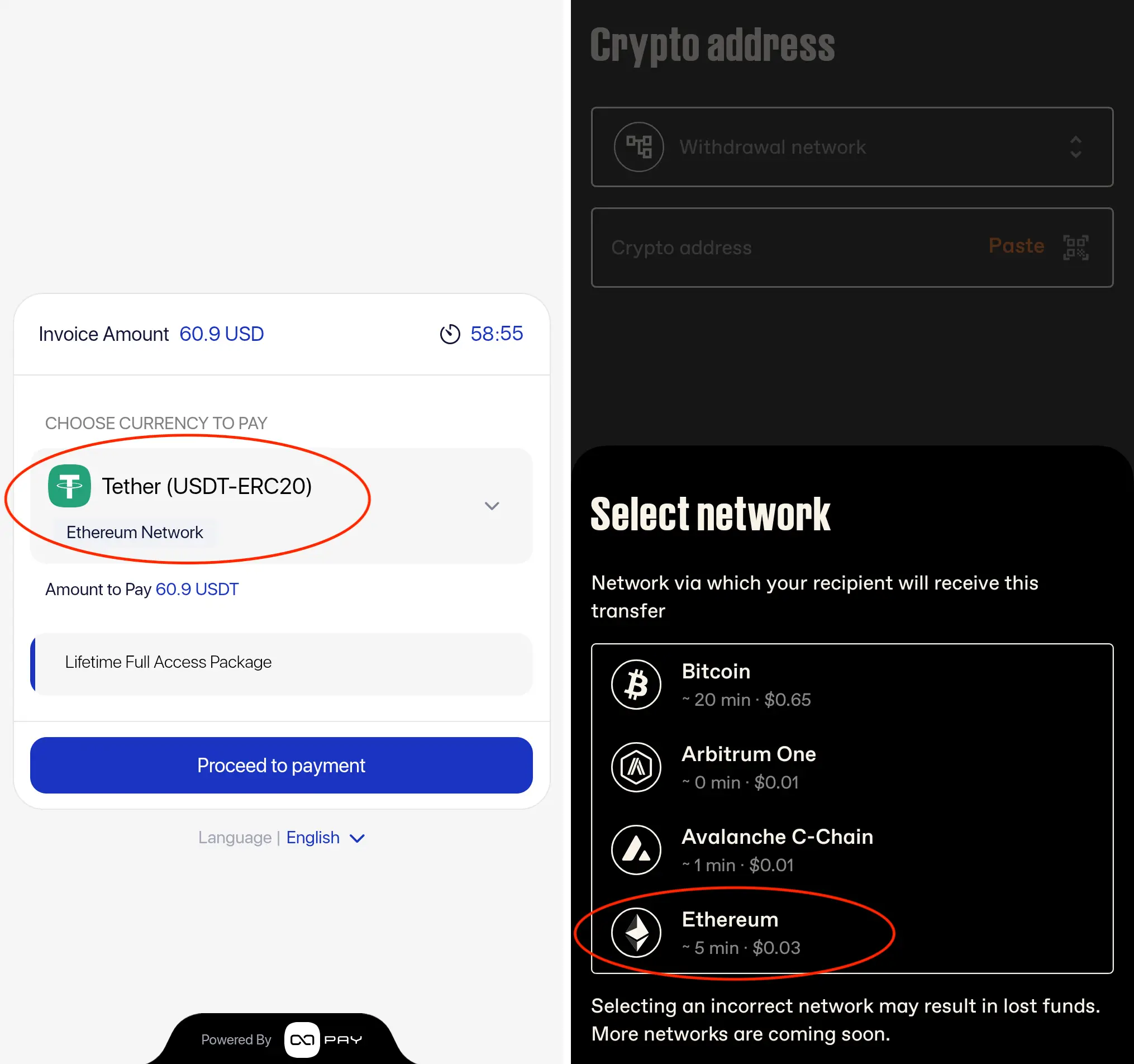
- On the independent profile checkout, choose Tether (USDT-ERC20) on Ethereum, then Proceed to Payment.
- Copy the one-time address shown by OxaPay.
- In Neverless: Send → New Crypto Address.
- Network: Ethereum.
- Paste address, enter amount, confirm. Arrival is often ~5 minutes after blockchain confirmation.
- Recipient name/country fields (if any) can be placeholders; they do not change the on-chain transfer.
After confirmation, the profile should reveal the contact. Message politely, confirm availability, and treat the chat like any independent outreach—see the independent escort guide and Telegram safety tips.
Common mistakes (and how to avoid them)
- Wrong network — Sending TRC-20/BEP-20 to an ERC-20 address can lose funds. Match the checkout chain exactly.
- Exact amount with no buffer — Gas or rate drift can leave you slightly short; send a little extra only if the invoice allows, or top up and resend as instructed.
- Copying an old address — Always copy from the current checkout invoice.
- Assuming agency sessions take crypto — Most agents want cash RMB. Use the agency booking guide.
- Paying random “agents” off-site — Only pay unlocks through our checkout; never seed scams on Telegram.
When to use agency cash instead
If you need tonight with clearer logistics, start from the agency list and the how-to-book hub. Independents can be excellent value and chemistry—but you own the screening. Agencies trade a fee/structure for availability and one conversation path.
For overall safety framing: gentleman’s guide.
FAQ
Do I need crypto experience?
No. Neverless is designed so a first-time user can KYC, deposit, buy USDT, and send in one evening.
Which network should I use?
Follow the checkout. Today that is typically USDT on Ethereum (ERC-20). Do not invent a “cheaper chain.”
How long until contact unlocks?
Often within minutes after the payment confirms on-chain. If nothing appears after 15–20 minutes, keep the tx hash and contact site support with the order details.
Is crypto safer than bank transfer to a stranger?
Paying our checkout for a contact unlock is different from wiring money to an unknown personal account. Still: never prepay large session fees to random Telegram accounts—see the safe payment guide.
Can I use Binance / another wallet?
Yes if you already hold USDT-ERC20. Send to the exact OxaPay address and network. Neverless is recommended for beginners who need fiat → USDT with low friction.
Next steps: open independents, pick a profile under 30 days if you want fresher contacts, complete checkout with USDT, then confirm in chat. Prefer guaranteed agency flow? Browse girls and book cash RMB through the agent.